ContextMenu
| iOS | Android |
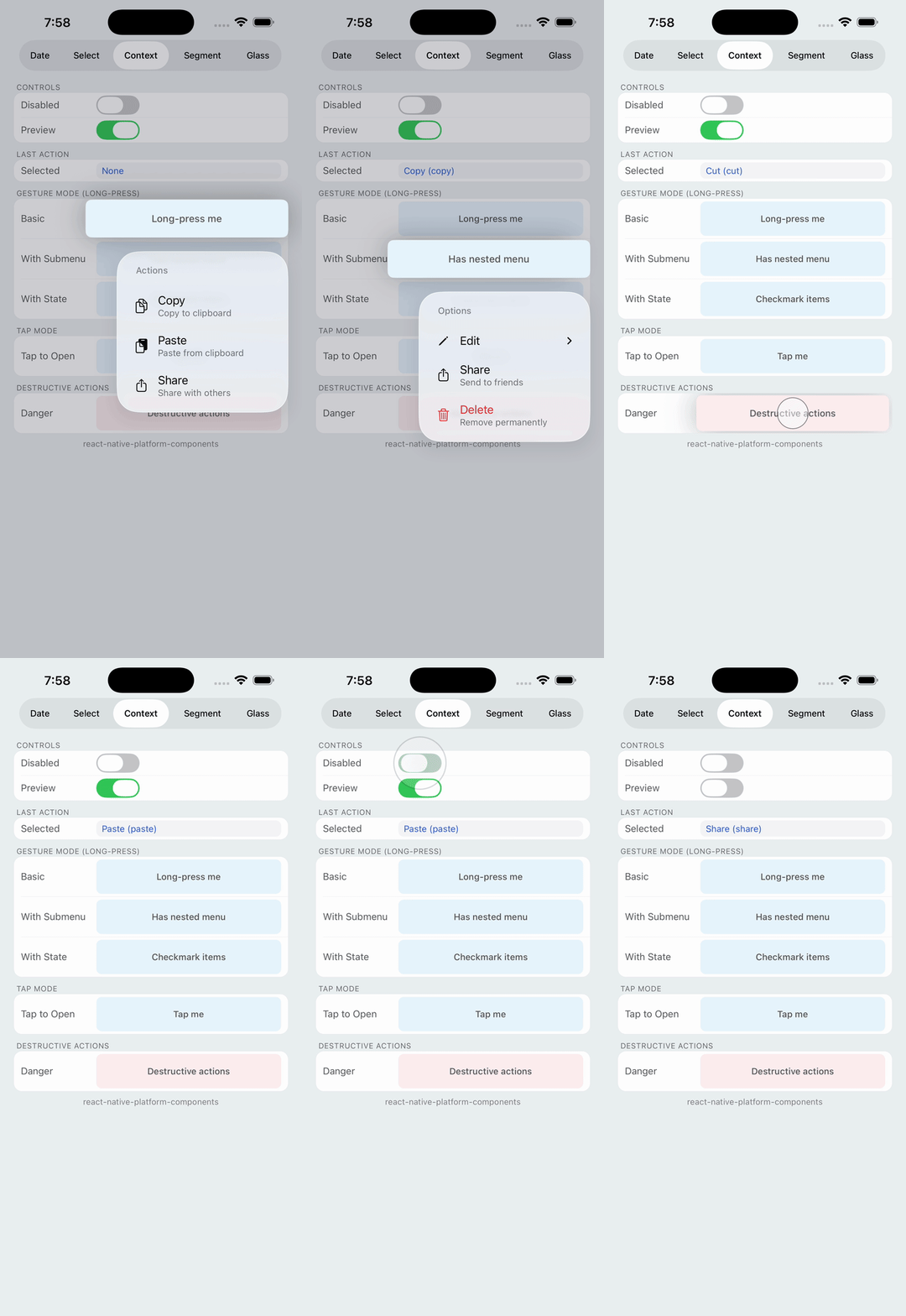 |
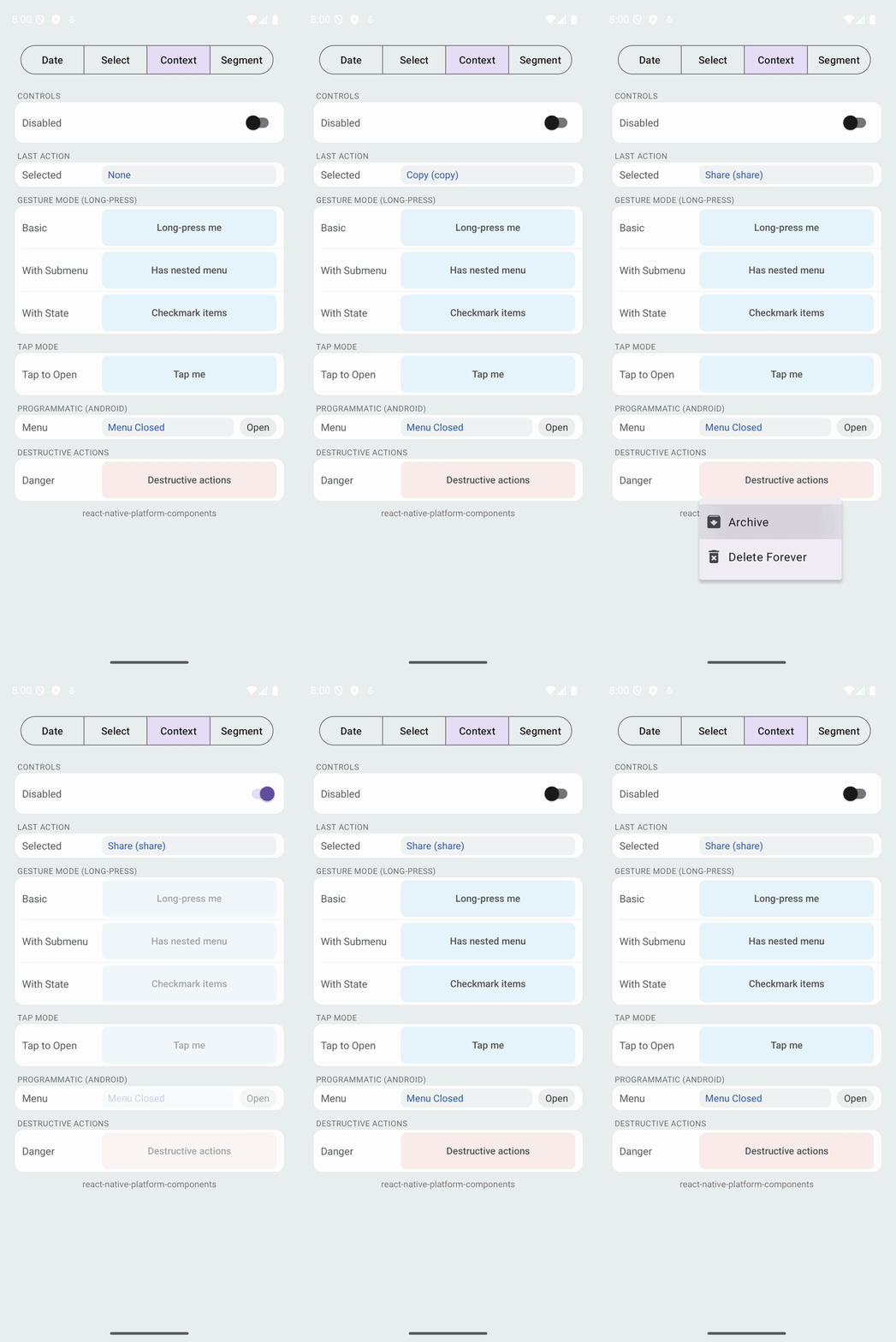 |
Native context menu that wraps content and responds to long-press or tap gestures.
Props
| Prop | Type | Description |
|---|---|---|
title | string | Menu title (shown as header on iOS) |
actions | ContextMenuAction[] | Array of menu actions |
disabled | boolean | Disables the menu |
trigger | 'longPress' | 'tap' | How the menu opens (default: 'longPress') |
onPressAction | (actionId, actionTitle) => void | Called when user selects an action |
onMenuOpen | () => void | Called when menu opens |
onMenuClose | () => void | Called when menu closes |
children | ReactNode | Content to wrap (required) |
ContextMenuAction
| Property | Type | Description |
|---|---|---|
id | string | Unique identifier returned in callbacks |
title | string | Display text |
subtitle | string | Secondary text (iOS only) |
image | string | Icon name (SF Symbol on iOS, drawable on Android) |
imageColor | string | Tint color for the icon (hex string) |
attributes | { destructive?, disabled?, hidden? } | Action attributes |
state | 'off' | 'on' | 'mixed' | Checkmark state |
subactions | ContextMenuAction[] | Nested actions for submenu |
iOS Props (ios)
| Prop | Type | Description |
|---|---|---|
enablePreview | boolean | Enable preview when long-pressing |
Android Props (android)
| Prop | Type | Description |
|---|---|---|
anchorPosition | 'left' | 'right' | Anchor position for the popup menu |
visible | boolean | Programmatic visibility control (Android only) |
Trigger Modes
- Long-Press (default): Long-press on wrapped content triggers the menu.
- Tap (
trigger="tap"): Single tap on wrapped content triggers the menu. - Programmatic (Android only): Use
android.visibleto control menu visibility programmatically. iOS does not support programmatic menu opening due to platform limitations.
Icon Support
- iOS: Use SF Symbol names (e.g.,
'trash','square.and.arrow.up','doc.on.doc') - Android: Use drawable resource names or Material icon names